Follow-ups and Keep going
Checked against Inkling on , 2 min read
Keep asking in the same discussion: Inkling reads each follow-up alongside the earlier questions and answers, so “it” and “that one” mean what you meant.
Ask a follow-up
- Under any answer, use the box docked at the bottom of the page. It reads “Ask a follow-up in this discussion”.
- Check the depth in the box. It starts at the depth you chose for the last question, so a follow-up to a Pro answer is a Pro search unless you change it.
- Press Ask, or Enter.
The follow-up appears under the earlier answers, with its own stamp and sources, and the Sources rail switches to the newest answer.
How Inkling reads a follow-up
- Inkling uses your most recent exchanges to work out what “it”, “they” or “that one” refers to, and turns the follow-up into a search that stands on its own.
- The answer is written with up to the last 10 exchanges of the discussion in view.
- An answer that was stopped or failed is not carried forward, and neither is a saved translation.
- Inkling reads only the discussion you are in. Your other discussions play no part in the answer.
Keep going
Under the newest answer, Keep going lists up to 4 suggested next questions.
- Click one, or reach the list with Tab and move through it with the arrow keys.
- The question is asked at once, at Quick, so it doesn’t use a Pro search or a research report.
Go deeper
Under a Quick or Pro answer that searched the web, the Go deeper card reads “Build a plan, search every angle, and turn this answer into a structured report.”
- Press Run as Research.
- Inkling asks the same question again at Research and adds the report to the discussion.
It uses one research report from your allowance. See Research reports.
What each one counts against
| Action | Asked at | Counts against |
|---|---|---|
| A follow-up you type | The depth set in its box | That depth’s allowance; Quick is unlimited |
| A Keep going question | Quick | Nothing; Quick is unlimited |
| Run as Research | Research | 1 research report |
| Regenerate | The depth you chose for that answer | Like a new question at that depth |
Limits
| What | Limit |
|---|---|
| Exchanges read with a follow-up | Up to the last 10 |
| Suggested questions | Up to 4, each up to 120 characters |
| Automatic title | Up to 60 characters |
Good to know
- After the first answer, Inkling gives the discussion a short title. If you rename it in Discussions, your name stays.
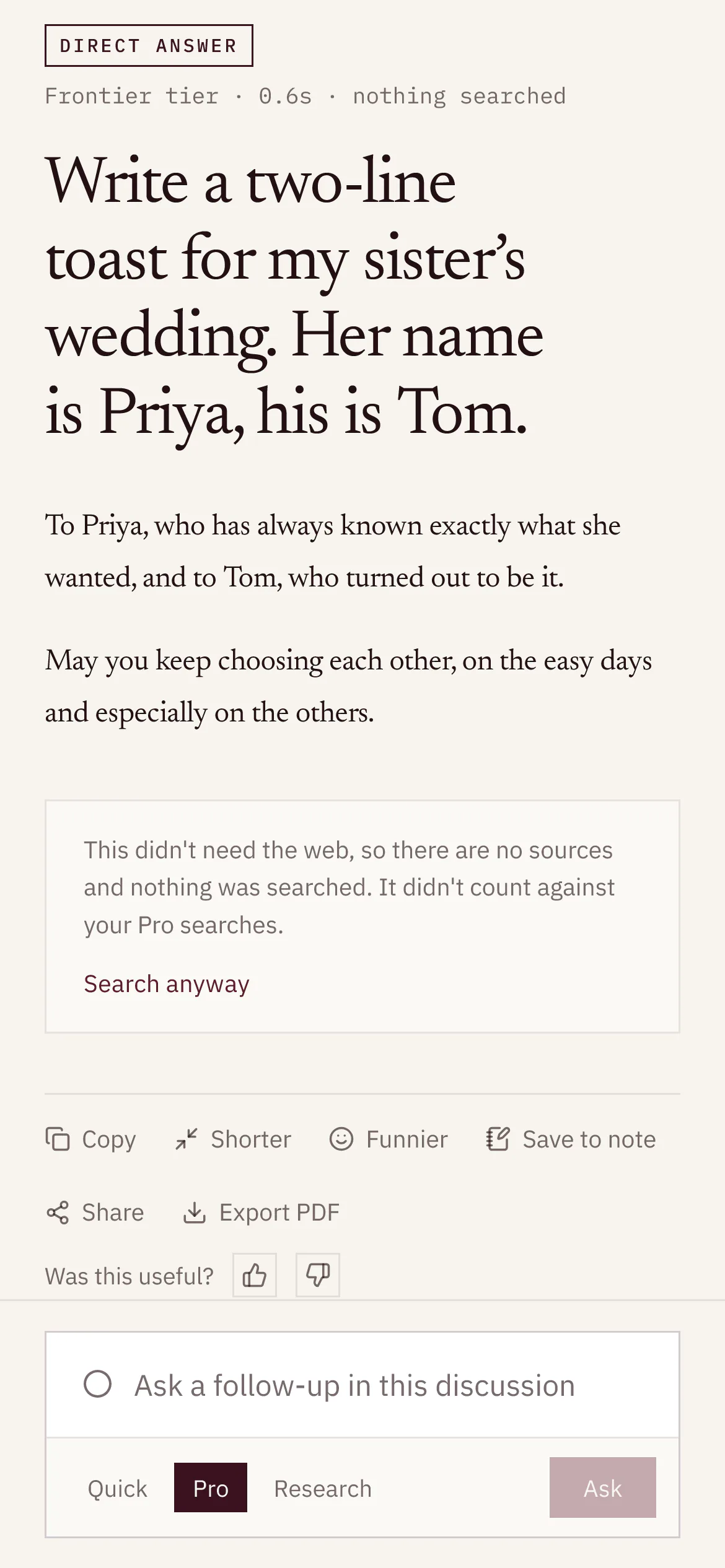
- A follow-up that doesn’t need the web, such as “make that a table”, can come back as a direct answer. See Answers that didn’t need a search.
- To start fresh on a new subject, ask from the home page instead. That opens a new discussion.