Display name and appearance
Checked against Inkling on , 2 min read
Open in InklingOn this page6 headings
Set the name Inkling greets you by on the home page, and choose between the porcelain page and the full-ink one.
Before you start
Sign in, then open Settings from the account menu. Display name is under Account; themes are under Appearance. Both are the same on every plan.
Set your display name
- In Settings › Account, find Display name: “What Inkling calls you on your home page. Only you see it.”
- Type the name you’d like, up to 128 characters.
- Select Save. You see “Saved.”
To remove it, empty the box and select Save (“Cleared.”). The greeting then carries no name.
What you’ll see
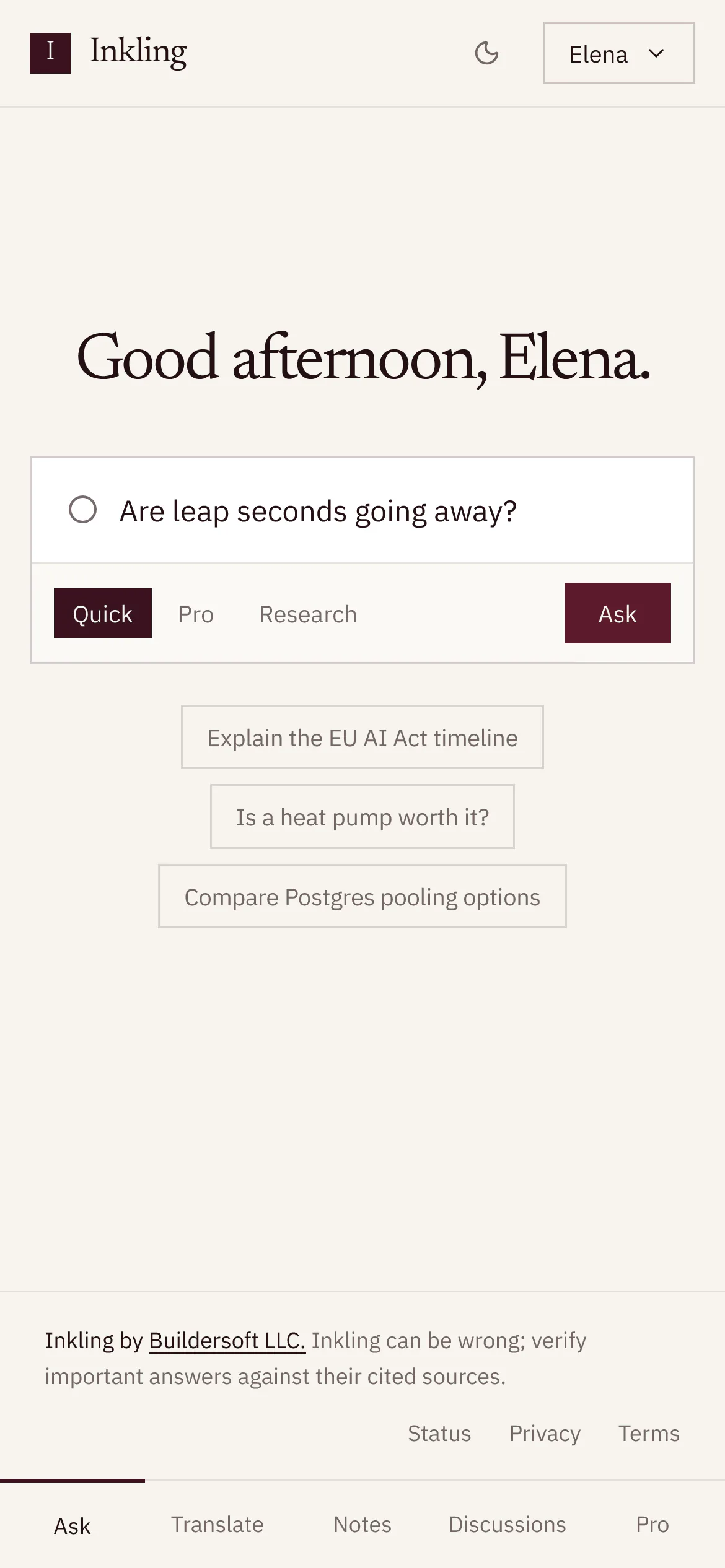
The home page greets you by the time of day on your device:
| Your local time | Greeting |
|---|---|
| 05:00 to 11:59 | “Good morning, [your name].” |
| 12:00 to 17:59 | “Good afternoon, [your name].” |
| 18:00 to 04:59 | “Good evening, [your name].” |
The account menu in the header shows your display name too. Without one, it shows the part of your email address before the @.
Choose a theme
- In Settings, select Appearance.
- Choose one:
| Option | What it does |
|---|---|
| Porcelain | “The warm paper ground.” Dark ink on a light page |
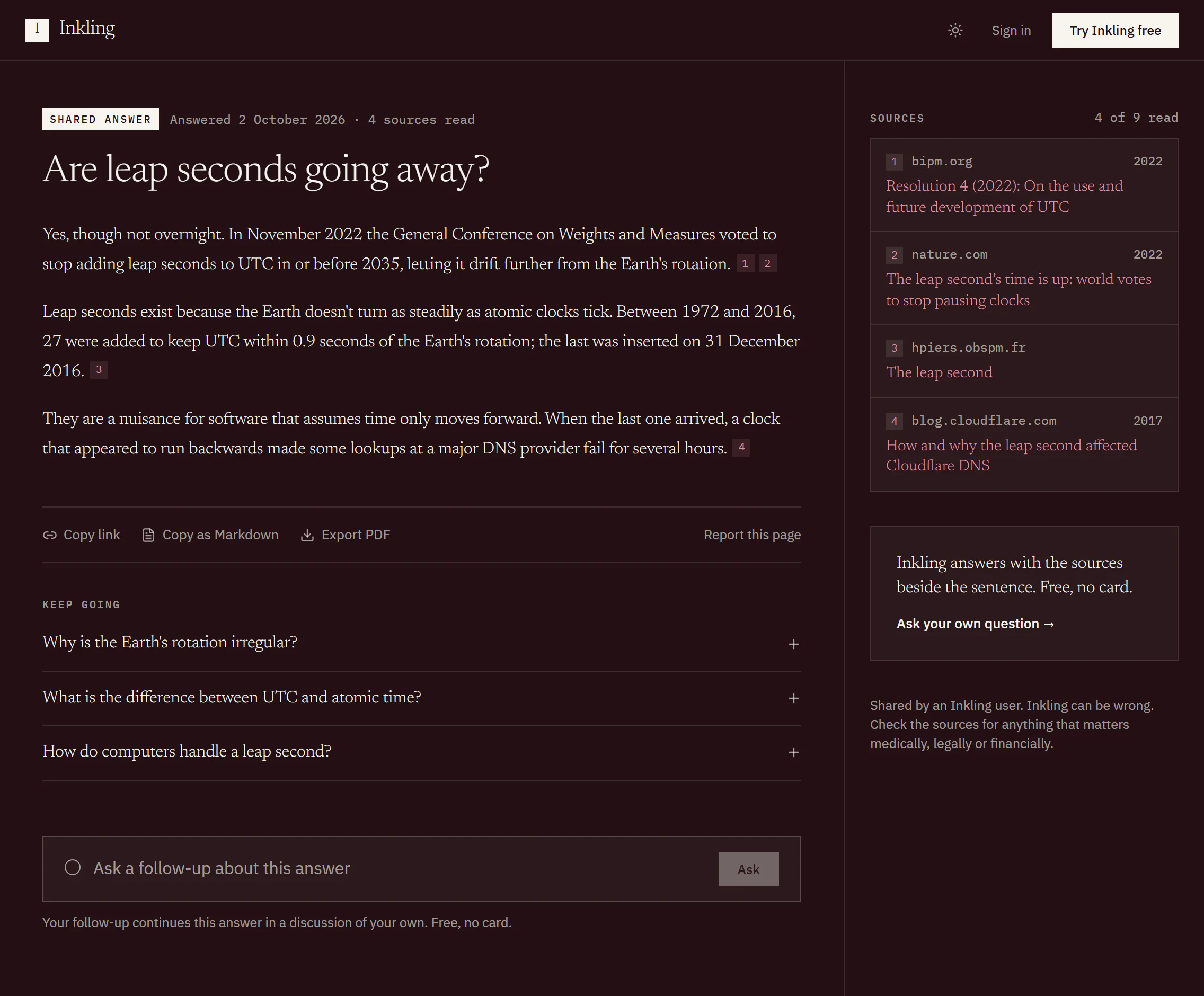
| Full ink | “Same page, inverted. Gold carries the accents.” |
| System | “Follow the operating system, including when it changes.” |
The line under the options says which you are seeing now, for example “Currently showing the full ink ground.”
To switch quickly, use the sun or moon button in the header, beside the account menu. It reads “Switch to dark theme” or “Switch to light theme” to a screen reader, and always picks Porcelain or Full ink outright. System is chosen in Appearance.
Limits
| Item | Limit |
|---|---|
| Display name | Up to 128 characters |
| Where the theme is kept | In this browser, on this device |
Good to know
- Until you choose, Inkling follows your operating system’s light or dark setting.
- Your theme choice is remembered by the browser you made it in. Another browser or device starts by following its own system setting. If your browser blocks site storage, as some private windows do, the choice isn’t remembered from one visit to the next.
- The dark ground is the same layout as the light one, inverted, not a different design.
- Your display name isn’t shown on pages you share.